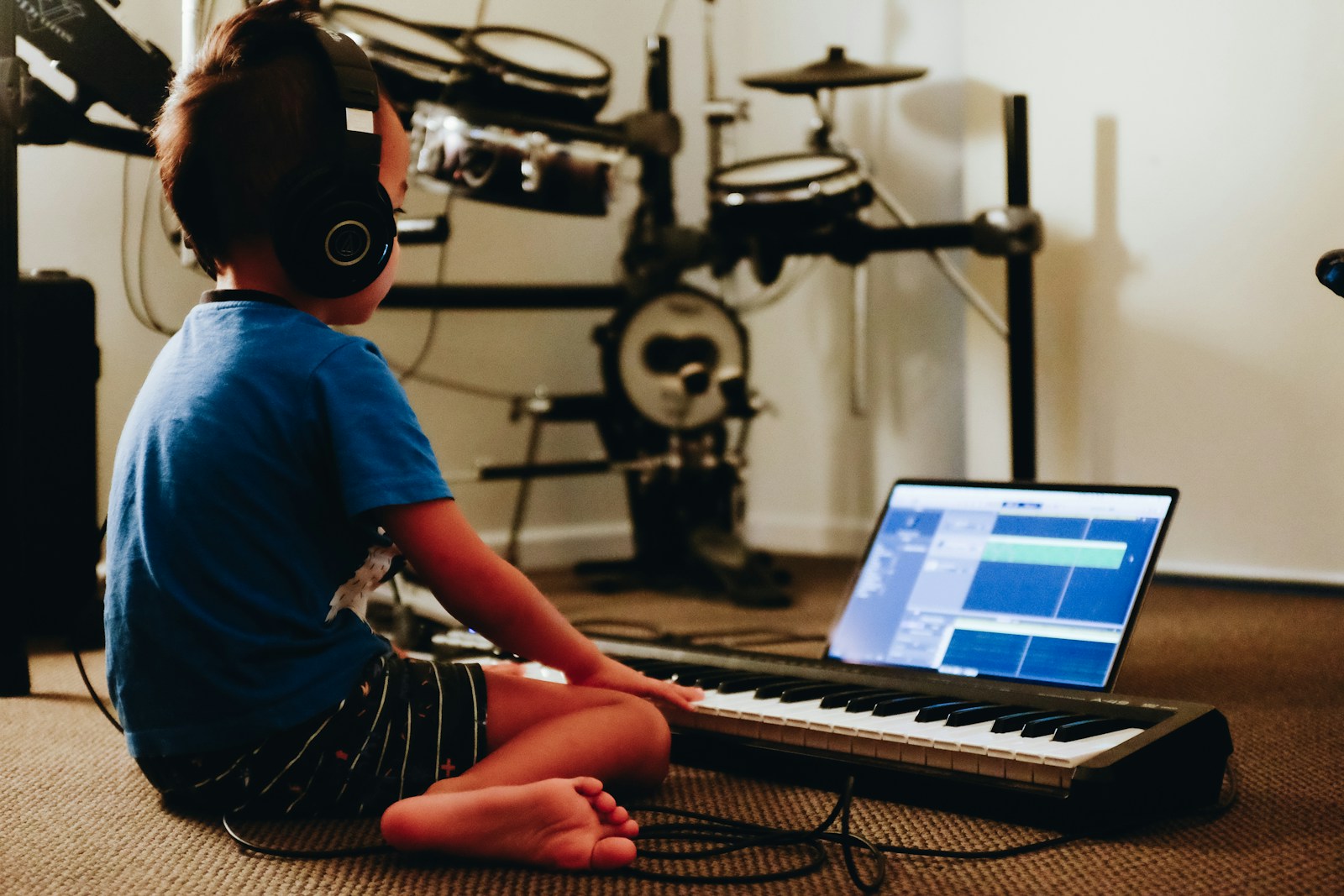
A blank page can freeze a kid faster than a camera flash. Give them a microphone, though, and everything changes. The Family Podcast Project is your nudge to help your child write and record their own audio stories, think bedtime tales, backyard mysteries, and epic adventures told in their own voice. With a simple plan, a phone, and a bit of editing, you can turn kitchen-table ideas into a polished mini‑podcast your child will be proud to share.
Set Up a Kid-Friendly Podcast Plan
Choose a Format and Length
A little structure makes creativity feel safe. Start by picking a format that fits your child’s age and attention span.
- Solo storyteller (narrated tale), interview (you ask questions, they answer as characters), or a short drama with simple scenes.
For length, short wins. Try 3–5 minutes for ages 5–7, 5–8 minutes for 8–10, and 8–12 minutes for 11+. You can always expand later, but keeping episodes bite-sized helps kids finish and feel momentum.
Consider a recurring segment so each episode has a recognizable rhythm: a quick intro, the story, a tiny “behind the scenes,” and a cheerful sign-off.
Define Roles for Grown-Ups and Kids
Make a game plan so the work feels collaborative, not top‑down. You might handle the technical bits while your kid steers the creative.
Your role: timekeeper, gentle editor, sound-check helper, and safety coach. Your child’s role: idea captain, voice actor, and decision-maker on characters, titles, and artwork. If you’ve got multiple kids, rotate roles, writer, director, sound‑effects expert, so everyone gets a turn at the fun parts.
Spark Story Ideas and Build a Plot
Prompts by Age and Interests
Meet your child where their curiosity lives. Use prompts that map to their world right now.
Ages 5–7: “A brave spoon goes missing from the kitchen drawer.” “A squirrel starts a leaf-delivery service.” “The day the playground slide told a secret.”
Ages 8–10: “A detective who’s allergic to clues.” “Three friends time‑travel with a library card.” “A robot learns to cook, and the smoke alarm is the narrator.”
Ages 11–13: “A space courier delivers a package to their future self.” “A fantasy hero writes apology letters to every dragon they accidentally annoyed.” “A town hears a mysterious sound at 4:12 p.m. every day.”
Tie prompts to interests: sports, pets, gaming, music. If your child loves soccer, set the story at a championship game with a ball who has stage fright. Nature kid? Make the wind a character with opinions.
Basic Story Structure Made Simple
You don’t need a screenwriting degree. Teach a three-step skeleton:
- Someone wants something. 2) They face a problem. 3) They try, change, and resolve it.
Make it concrete: “Maya wants to win the science fair (want). Her project breaks on the bus (problem). She recruits her neighbor and learns to improvise (change), then presents a surprising demo (resolution).”
For audio, think in scenes: each scene has a location, a goal, and a sound. A kitchen scene might feature clinking spoons. A park scene has birds and distant chatter. Sounds help the listener track where they are without a narrator over-explaining.
Turn Ideas Into a Script for Audio
Write for Ears, Not Eyes
Audio scripts love short sentences, simple words, and clear beats. Write like you speak. If you wouldn’t say a line at the dinner table, tweak it.
Use present tense for energy: “The door creaks. I step inside.” Break up description with action and sound: “Feet shuffle on the porch. The mailbox lid snaps shut.”
Read it aloud as you write. You’ll catch clunky phrasing instantly. If your child stumbles on a line, it’s the line’s fault, not the reader’s.
Dialogue, Narration, and Sound Cues
Mix narration and dialogue to keep pace. Narration sets the scene quickly: dialogue brings personality. Add bracketed notes for sound to guide recording and editing: [door creak], [whisper], [crowd murmur]. Capitalize character names for clarity.
Example snippet:
NARRATOR: The library clock strikes five. [clock chime]
JAY: Did you hear that… again?
NARRATOR: The air smells like rain, and the mystery returns.
Sound cues don’t have to be fancy, you can make a “wind” sound by softly blowing across the mic, or tap a glass for a “magic chime.” If a cue distracts your child, skip it. Clarity beats cleverness.
Record at Home Without Fancy Gear
Quiet-Room Setup and Mic Basics
Great kids’ podcasts are made in closets. Soft surfaces soak up echoes. Record in a small room with clothes, cushions, or a blanket tent. Turn off fans and noisy appliances. Place a sticky note on the door that says “Recording, Please Knock.”
Hold the mic or phone 6–8 inches from the mouth, slightly off-center to reduce breath pops. Hold still, bumping a table becomes thunder in headphones. If you have a simple pop filter or a clean sock over a handheld mic, even better.
Phone and Free App Options
Your phone can absolutely do this. On iPhone, Voice Memos or GarageBand work well. On Android, use a built‑in recorder or a free app like Dolby On. For computer editing later, free tools like Audacity, GarageBand (Mac), or the free tiers of Descript are beginner-friendly.
Save in a lossless or high-quality format if possible (WAV or high‑bitrate M4A), but don’t sweat it, clear performance beats perfect specs.
Performance Tips for Confident Voices
Warm up with tongue twisters and silly faces. Do one practice run, then record in short takes: a scene at a time. Smile when reading: it actually changes the sound. Remind your child to breathe before sentences and pause after key moments. If they stumble, keep rolling and retake the line, editing will stitch it together. Celebrate big feelings: the mic loves emotion.
Edit, Add Sounds, and Keep It Safe
Simple Cuts and Levels
Editing is just cleaning up and lining up. Trim long silences, remove obvious stumbles, and keep natural breaths so the story feels human. Aim for consistent volume, use a limiter or compressor preset (most free apps have one) and keep peaks below 0 dB. Crossfades between clips prevent clicks.
Work in layers: narration/voice on one track, music on another, sound effects on a third. Start with the voice track: it’s the star.
Music and Effects With Permissions
Teach good habits early. Use music you have the rights to: royalty‑free libraries, Creative Commons tracks that allow use with attribution, or tools that ship with built‑in loops (GarageBand). Good sources include the YouTube Audio Library, Pixabay Music, and Freesound for effects, check each license, and keep a tiny credits note inside your project.
Keep music low under voices (around -20 to -25 dB relative to voice) and duck it briefly when a key line hits. Less is more: a 5‑second sting can do the job of a full song.
Name, Credits, and Consent
Pick a podcast name that’s easy to say and spell. Add a quick spoken credit at the end: “Story by Maya. Sound by Dad. Thanks for listening.” If other kids’ voices appear, get parent permission. For safety, avoid sharing last names, exact locations, school names, or routines. If you publish publicly, use first names or pseudonyms and keep contact info off the recording.
Share, Celebrate, and Keep Creating
Private Sharing and Safe Publishing
Start small and safe. Share privately with family via a cloud folder, a private link from your audio app, or a password‑protected page. If you publish on a broader platform, turn off comments where possible, skip personal details, and use a parent‑controlled account. Many podcast hosts offer unlisted feeds you can share with a few people without putting it on public directories.
Create a Cover Image and Episode Notes
A square cover image (usually 3000×3000 px for podcast directories) can be simple: a bold background, the podcast name, and a fun icon your child draws. Episode notes should include a one‑sentence hook, a brief summary, and credits for music/effects. Add a friendly content note if your story includes suspense or imaginary peril so younger listeners know what to expect.
Build a Sustainable Family Routine
Consistency beats intensity. Choose a cadence you can keep, maybe one episode a month. Keep a running idea list on the fridge. Batch work when you can: brainstorm Saturday, script Sunday, record Monday evening, edit midweek.
Celebrate every milestone: first draft, first recording, first listener outside your home. Print a “season 1” certificate when you hit 4–6 episodes. The long‑term goal isn’t a chart‑topping show: it’s building your child’s voice, confidence, and storytelling muscles.
If your child’s enthusiasm dips, pivot. Try a shorter format, swap genres, or invite a cousin to guest‑star. The Family Podcast Project thrives when it stays playful and flexible.
Conclusion
When you help your child write and record their own audio stories, you’re giving them more than a podcast, you’re giving them a stage, a toolkit, and a memory bank. Start with a small, kid‑friendly plan, shape a simple plot, write for the ear, and record with what you have. Edit lightly, share safely, and keep the tone joyful. A few episodes in, you’ll notice it: clearer ideas, calmer mic time, and a kid who knows their voice matters. That’s the real win of the Family Podcast Project.
Frequently Asked Questions
What is The Family Podcast Project and how do we start?
The Family Podcast Project is a simple plan to help your child write and record their own audio stories using a phone and light editing. Start by choosing a short format, define kid and grown‑up roles, brainstorm age‑friendly prompts, draft a script for ears, record in a quiet room, then edit lightly.
What is the ideal kids’ podcast length by age?
Short wins. Aim for 3–5 minutes for ages 5–7, 5–8 minutes for 8–10, and 8–12 minutes for 11+. Keeping episodes bite‑sized helps kids finish, feel momentum, and stay confident. You can expand later as their attention, stamina, and storytelling skills grow.
How do I help my child plan and script an audio story for The Family Podcast Project?
Use a simple story skeleton: someone wants something, a problem appears, they try, change, and resolve it. Write for ears: short sentences, present tense, and clear beats. Mix narration, dialogue, and bracketed sound cues like [door creak]. Read aloud while drafting to catch clunky lines.
How can we record and edit at home with just a phone?
Pick a soft, quiet space—closet or blanket fort. Hold the phone 6–8 inches from the mouth, slightly off‑center. Use Voice Memos, GarageBand, or Dolby On. Edit with Audacity, GarageBand, or Descript: trim stumbles, keep natural breaths, balance levels, and use gentle compression and crossfades.
Do kids need a special microphone, and what budget gear works best?
You can start with a phone mic and a DIY pop filter (clean sock). If upgrading, a simple USB mic with a cardioid pattern and a basic stand/pop filter improves clarity. Prioritize a quiet room over fancy gear. Headphones help monitor noise, plosives, and consistent speaking distance.
What skills does The Family Podcast Project build for kids?
Podcasting develops storytelling, sequencing, and writing-for-voice skills. It also boosts reading fluency, confidence, and expressive speaking. Kids practice collaboration (roles, feedback), basic audio literacy (mic technique, levels), and digital citizenship (credits, permissions, safety). Regular, small episodes create a growth mindset through completion and reflection.
No responses yet